Recommendation per case
What the assistant recommends, from which article, and what the agent did.
7 rows · Case · Subscriber · Category · Article

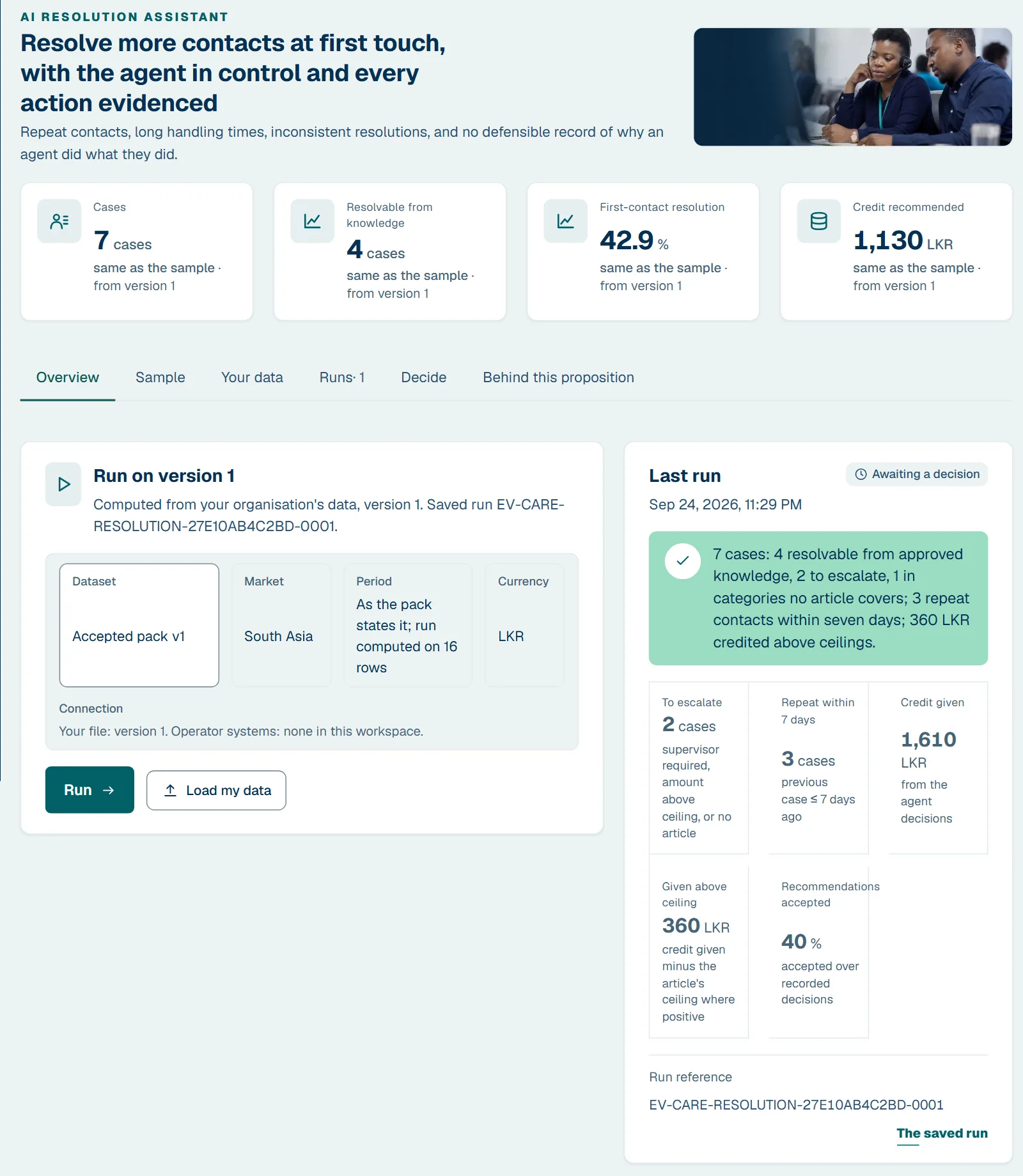
Repeat contacts, long handling times, inconsistent resolutions, and no defensible record of why an agent did what they did.
Demonstration available — A journey runs end to end on sample data, including its refusal and failure states. Runs today on a sample of your market; its workspace opens with Customer Care and Service Resolution Intelligence.
Sample. Choose your market to see this page, the workbook and the review in your currency and language.
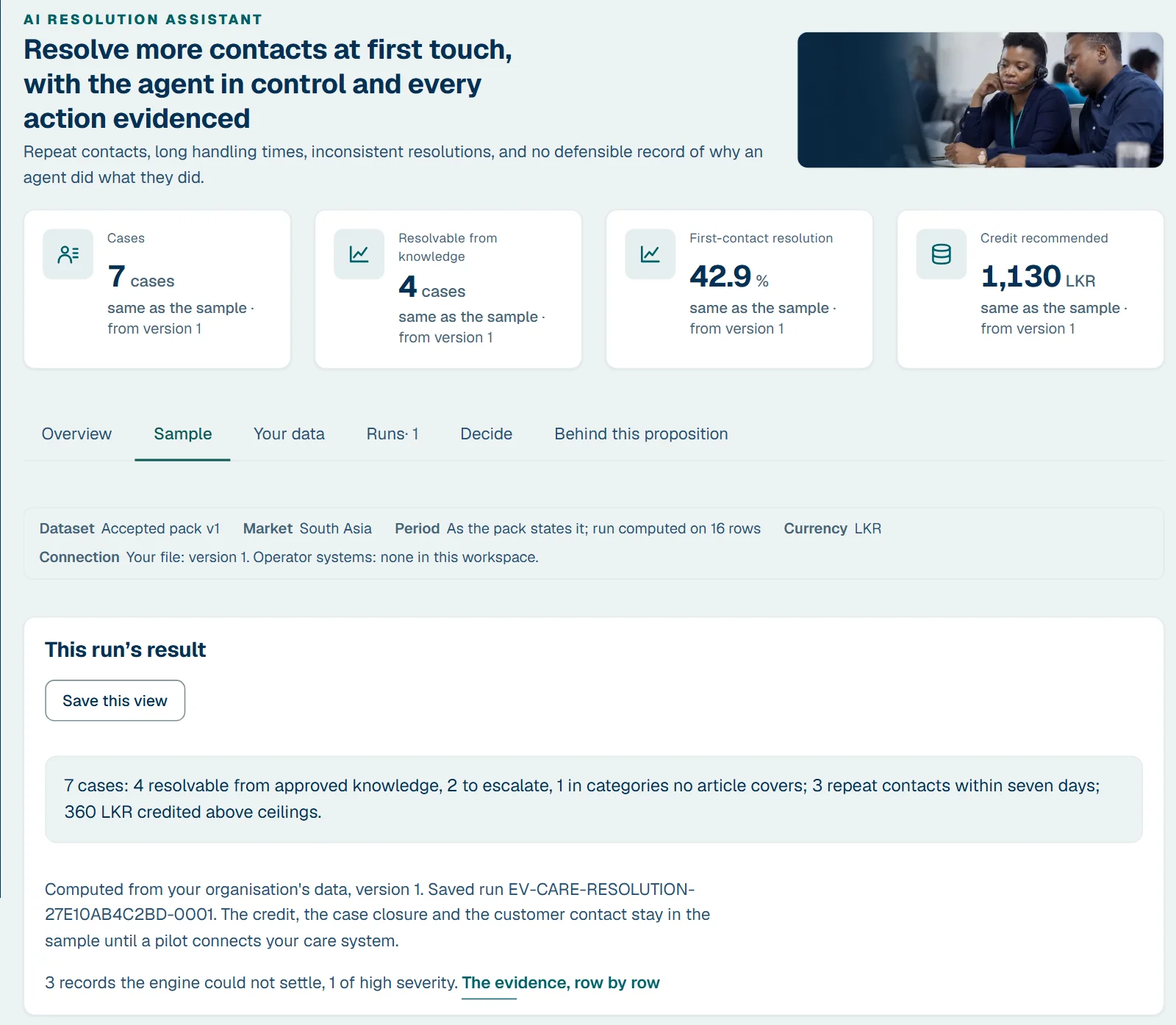
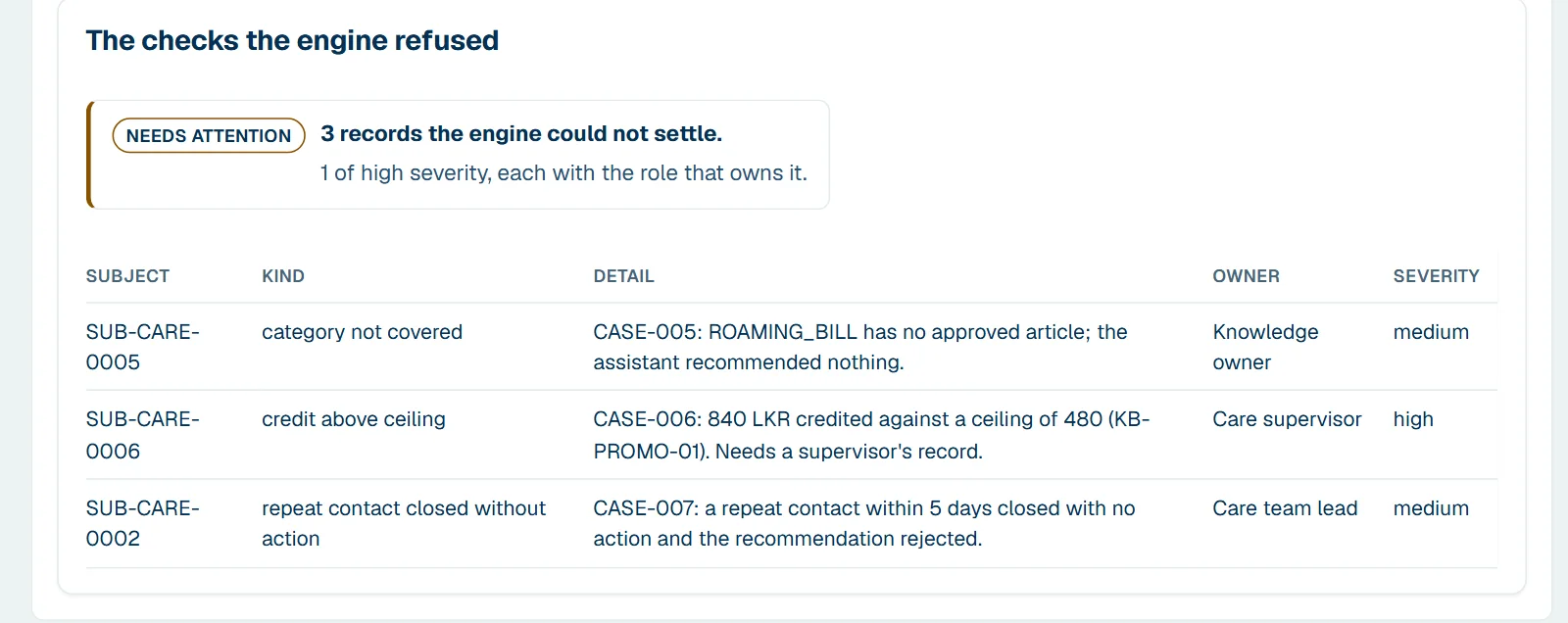
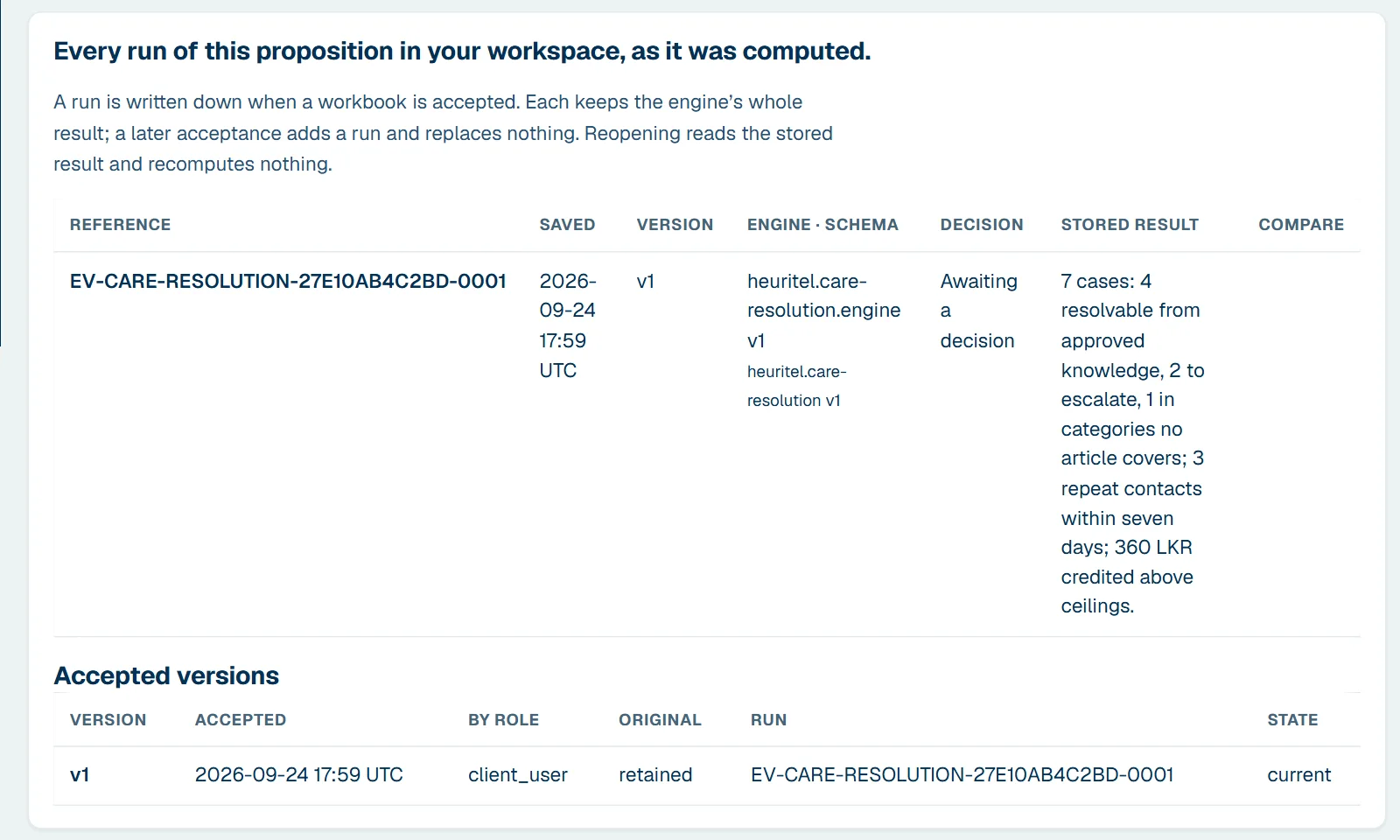
7 cases: 4 resolvable from approved knowledge, 2 to escalate, 1 in categories no article covers; 3 repeat contacts within seven days; 150 units credited above ceilings.
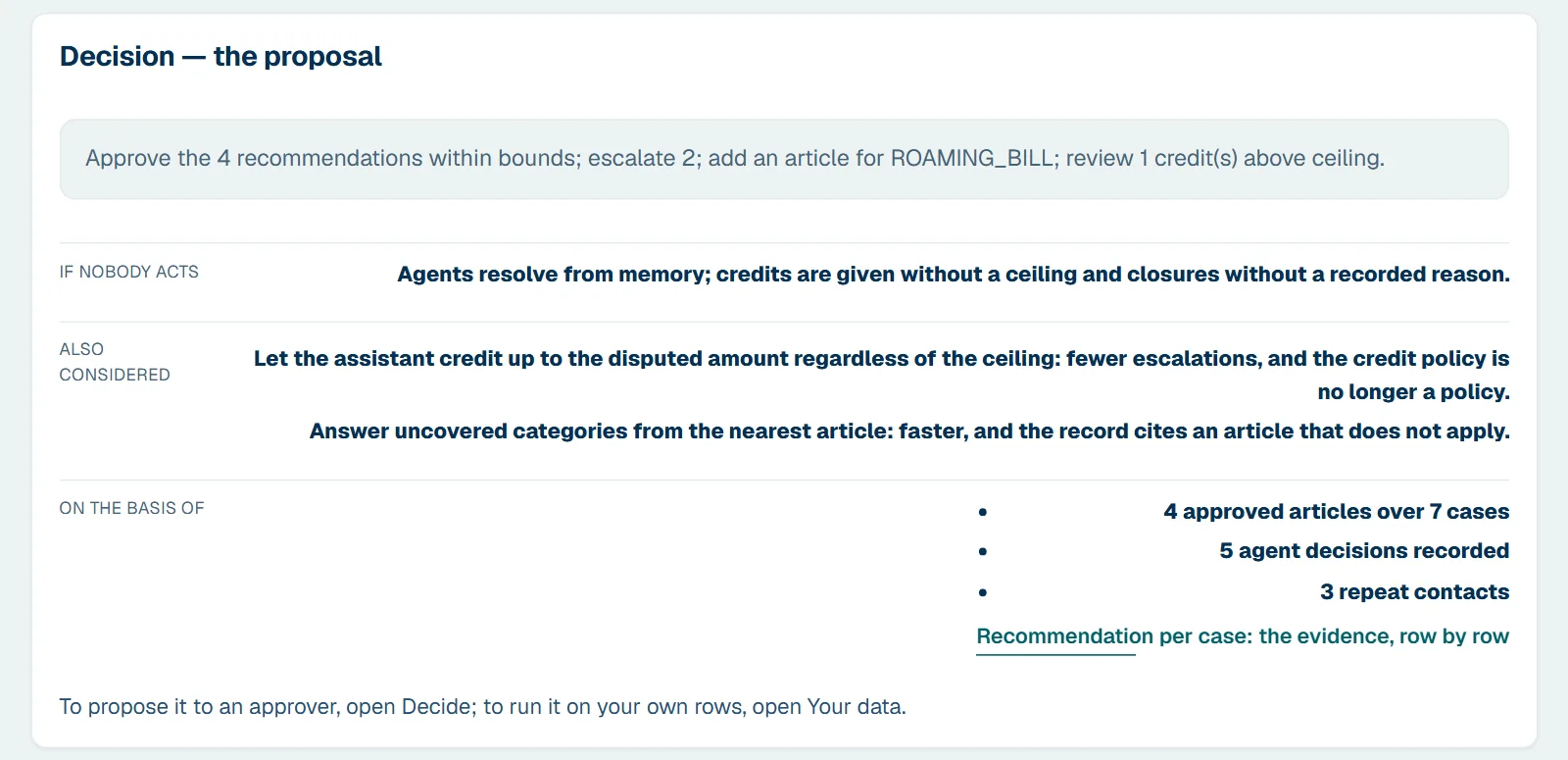
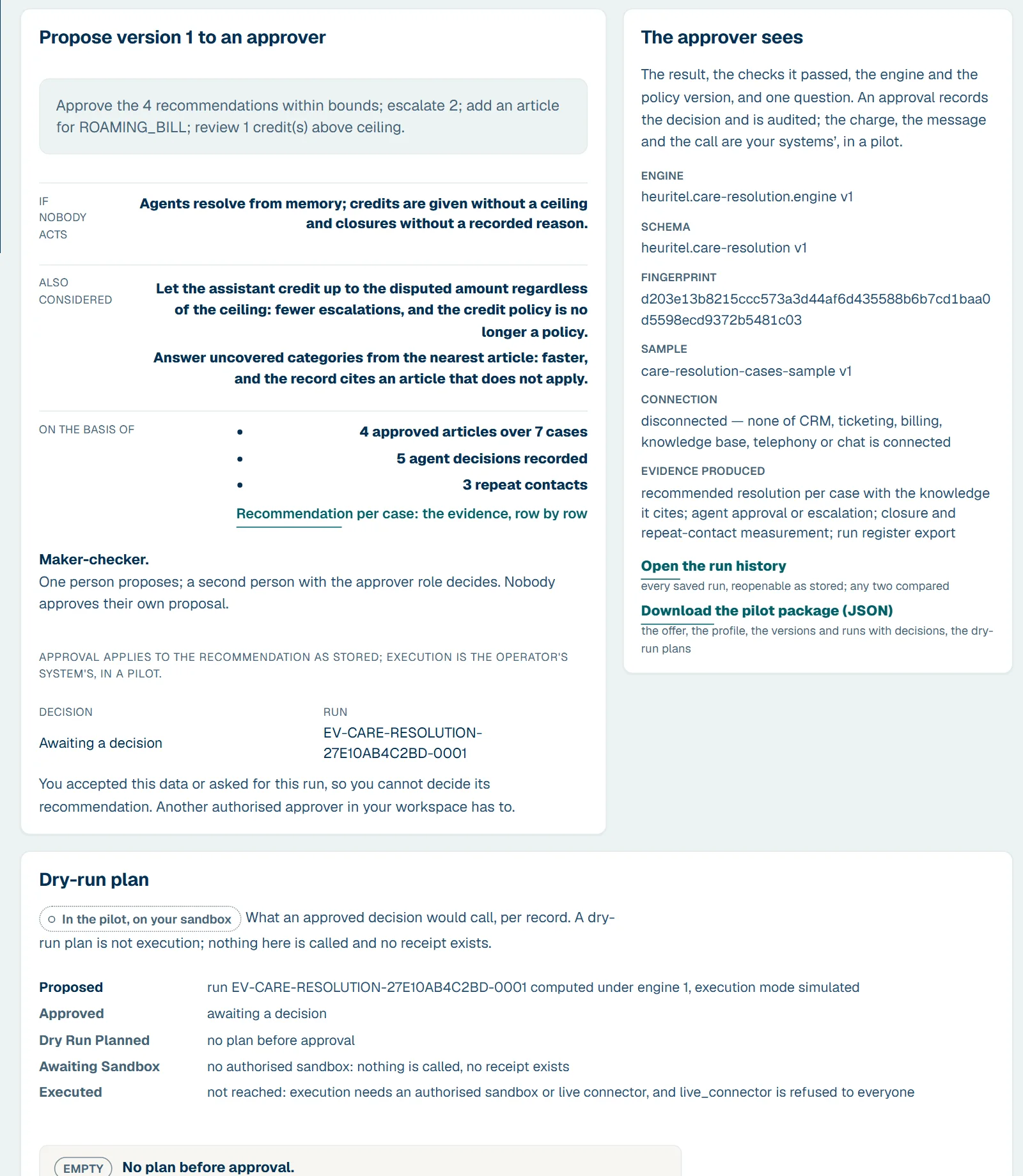
Decision Approve the 4 recommendations within bounds; escalate 2; add an article for ROAMING_BILL; review 1 credit(s) above ceiling. If nobody acts: Agents resolve from memory; credits are given without a ceiling and closures without a recorded reason.
The 7 screens a demo walks through, captured from the built product on sample rows. Sign in to run it on your own market and your own numbers.
What the assistant recommends, from which article, and what the agent did.
7 rows · Case · Subscriber · Category · Article
Cases by the state your ticketing holds.
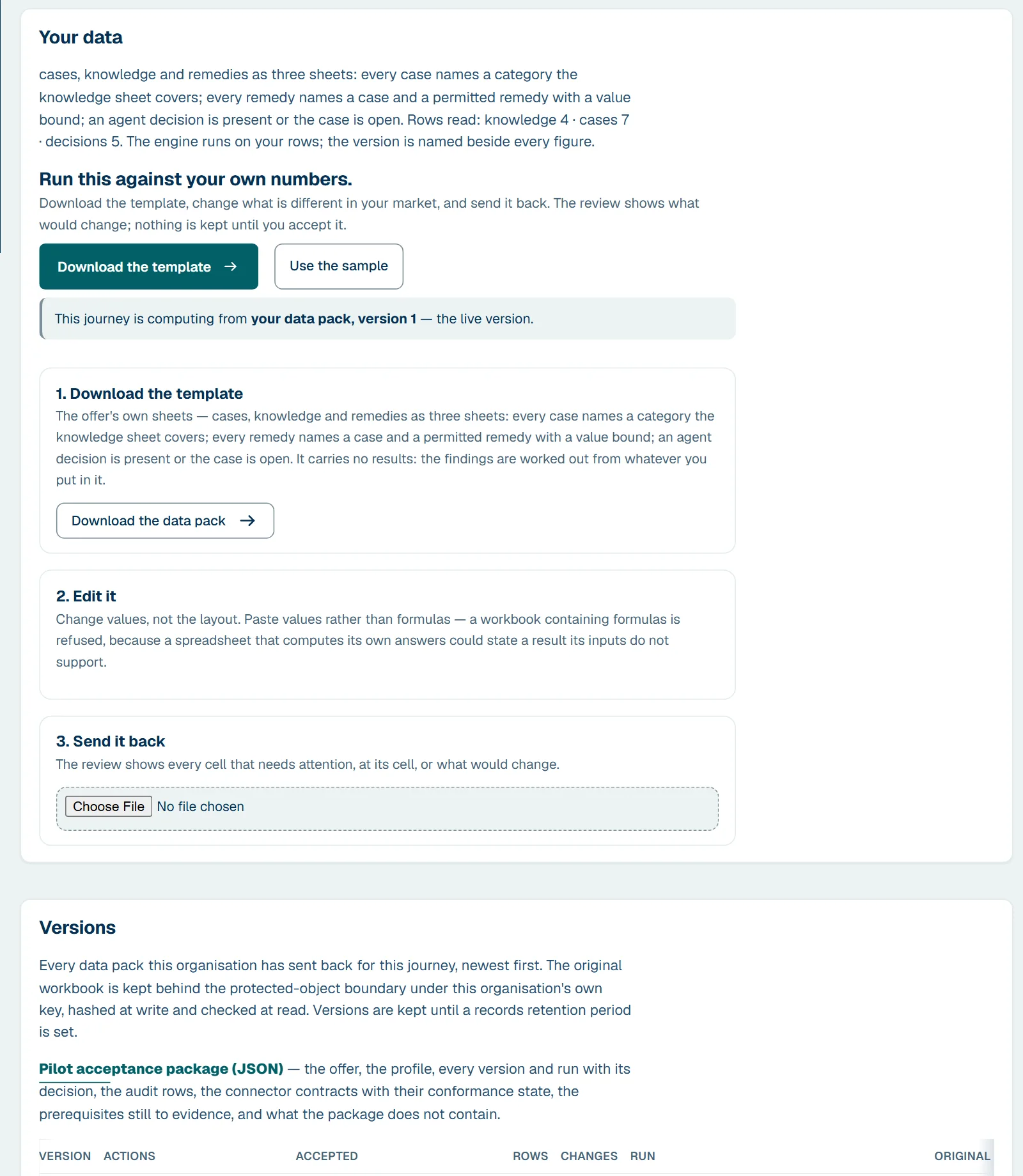
cases, knowledge and remedies as three sheets: every case names a category the knowledge sheet covers; every remedy names a case and a permitted remedy with a value bound; an agent decision is present or the case is open. A subject column holds your own pseudonymous reference; a phone number, IMSI, IMEI or account number in it is refused, and the refusal names the column.
Runs on Customer Care and Service Resolution Intelligence; draws on Decisioning and Next Best Action, Revenue, Risk and Assurance, AI and Governance, AI Assurance, Governance and Handover and the Contact Centre & Customer Care, Real-Time Revenue Moments streams of the catalogue. The lifecycle to live operation and the twelve-line contract are in the workbench, after sign-in.
See it on your own numbers.
Sign in with your work email; the sample is generated for your market and currency; change the values and run again. Or book a demo and we walk it with you.